
Augmented Reality
The Augmented Reality (AR) feature in Mega Voxels bridges the gap between digital creativity and the real world. With just a few taps, you can place your voxel creations into your physical environment using your device’s camera. Whether you’re showcasing a character on your desk, previewing a building in your backyard, or capturing a voxel animation in your living room, AR in Mega Voxels makes your art feel tangible and alive. It’s a powerful way to visualize, present, and share your work in a whole new dimension.
Place Voxel Models in Real World
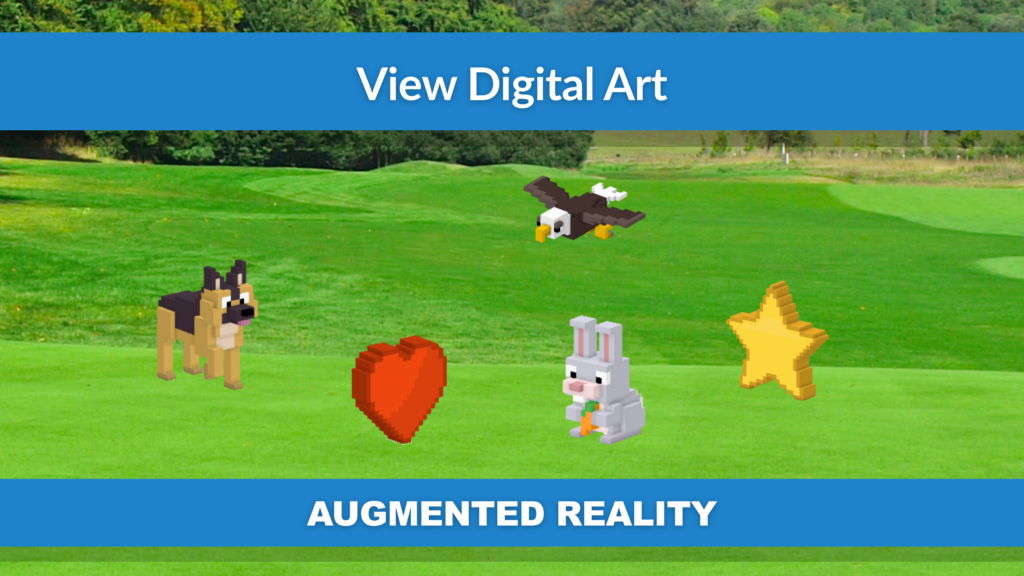
Mega Voxels allows you to project your 3D voxel models into real-world spaces using your phone or tablet’s camera. With AR mode enabled, your creations appear anchored to surfaces like tables, floors, or outdoor landscapes. You can walk around them, view them from different angles, and see how they interact with your environment.
This feature is perfect for visualizing how a model might look in a real setting. Whether you’re designing a piece of voxel furniture, a game prop, or a miniature city, AR gives you a sense of scale and presence that’s hard to achieve on a flat screen. It’s also a great way to present your work to others—clients, collaborators, or friends—by letting them experience it in their own space.
The placement tools are intuitive and responsive. Once placed, you can take photos or record videos directly from the app, capturing your voxel art in action.
Real-Time Scaling and Interaction
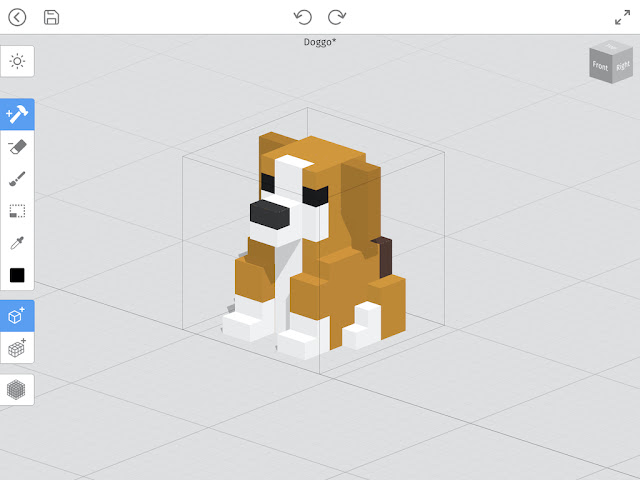
AR in Mega Voxels gives you full control over how your model appears in the real world. You can scale your creation up to life-size or shrink it down to fit in the palm of your hand. This flexibility is great for testing proportions, experimenting with presentation, or just having fun with perspective.
You can also interact with your model by moving around it physically. The app tracks your position and updates the view accordingly, creating a natural and immersive experience. Whether you’re showcasing a product design or just playing with a voxel pet on your desk, the real-time responsiveness makes it feel like your creation is truly part of your world.
This feature is especially useful for creators who want to preview how their models might look in real-world applications—like toys, architecture, or AR games.
Easy Sharing and Presentation
Once your model is placed in AR, Mega Voxels makes it easy to capture and share the experience. You can take high-resolution screenshots or record videos directly from the app. These can be used for social media posts, presentations, or client previews.
Sharing your voxel art in AR adds a wow factor that static images can’t match. It shows your work in context, highlights its scale and detail, and invites viewers to imagine it in their own space. Whether you’re building a portfolio or promoting a product, AR content stands out.
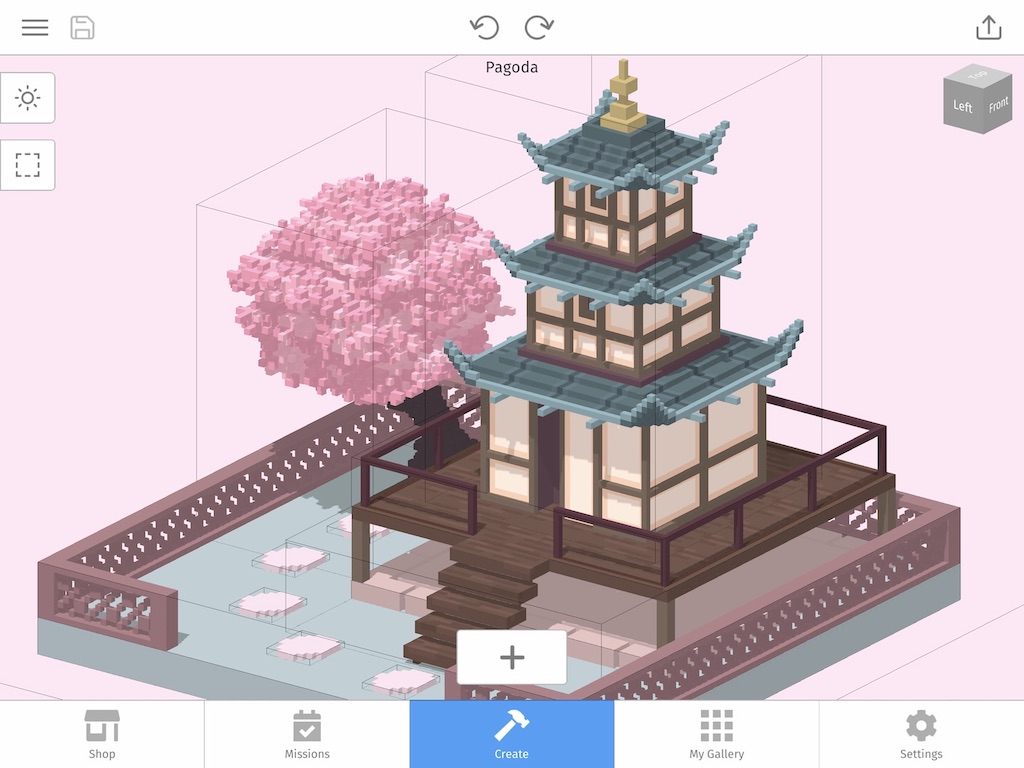
The app also supports exporting your models for use in other AR platforms. You can take your creations into Unity, Blender, or other tools to build more complex AR experiences. This makes Mega Voxels a great starting point for developers and designers working in immersive media.
How to Use the AR Feature (3 Simple Steps)
AR Features
| Place voxel models in real-world environments | Showcase animated camera paths in AR |
| Real-time scaling, rotation, and positioning | Capture photos and videos directly in the app |
| Walk around and interact with your creations | Export models for use in Unity, Blender, and more |
| Great for presentations, social media, and prototyping | Makes voxel art immersive and interactive |