
Animation
The Animation feature in Mega Voxels adds motion and storytelling to your creations. Whether you’re showcasing a 3D voxel model with cinematic camera movements or crafting frame-by-frame pixel animations, Mega Voxels gives you the tools to bring your art to life. It’s designed for creators who want to go beyond static visuals and explore how their designs move, interact, and evolve. With built-in animation options and export support for external software like Blender and Unity, Mega Voxels is a powerful launchpad for both casual creators and professional animators.
Pre-Built Camera Animations
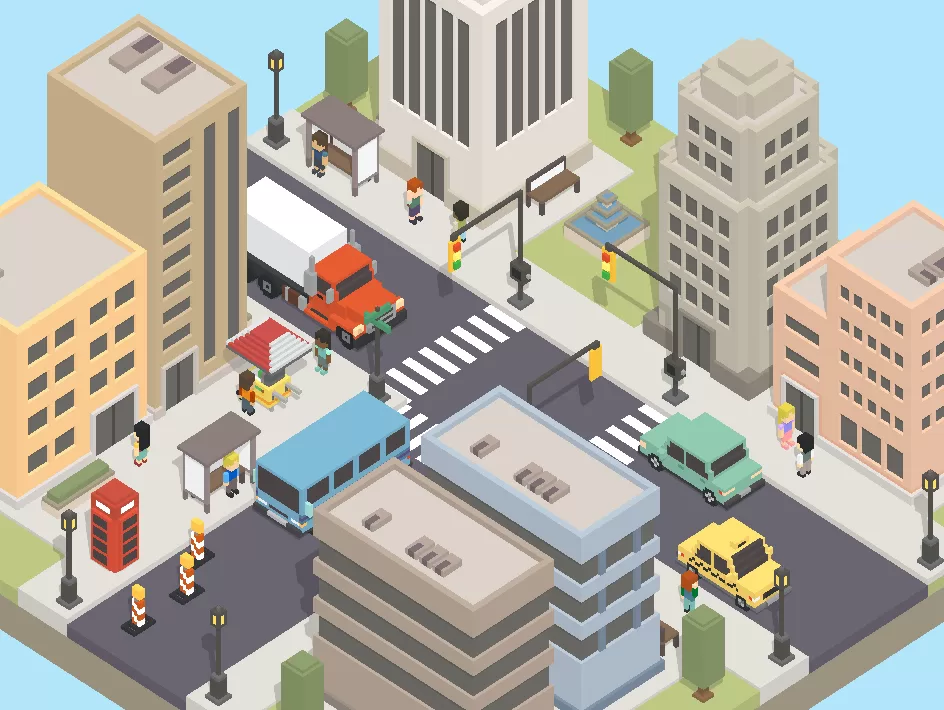
Mega Voxels includes a set of pre-built camera animations that make it easy to showcase your voxel models in motion. These animations automatically pan, zoom, and rotate around your creation, giving it a cinematic presentation without requiring manual setup. Whether you’re displaying a character, building, or full scene, the camera paths are designed to highlight your work from dynamic angles.
These animations are perfect for creating quick video clips or promotional content. You can preview your model in motion, record the animation, and share it on social media or with collaborators. It’s a great way to add polish and professionalism to your portfolio, especially if you’re showcasing assets for games or animation projects.
Record and share these animations as video clips for social media, portfolios, or presentations.
2D Pixel Animation
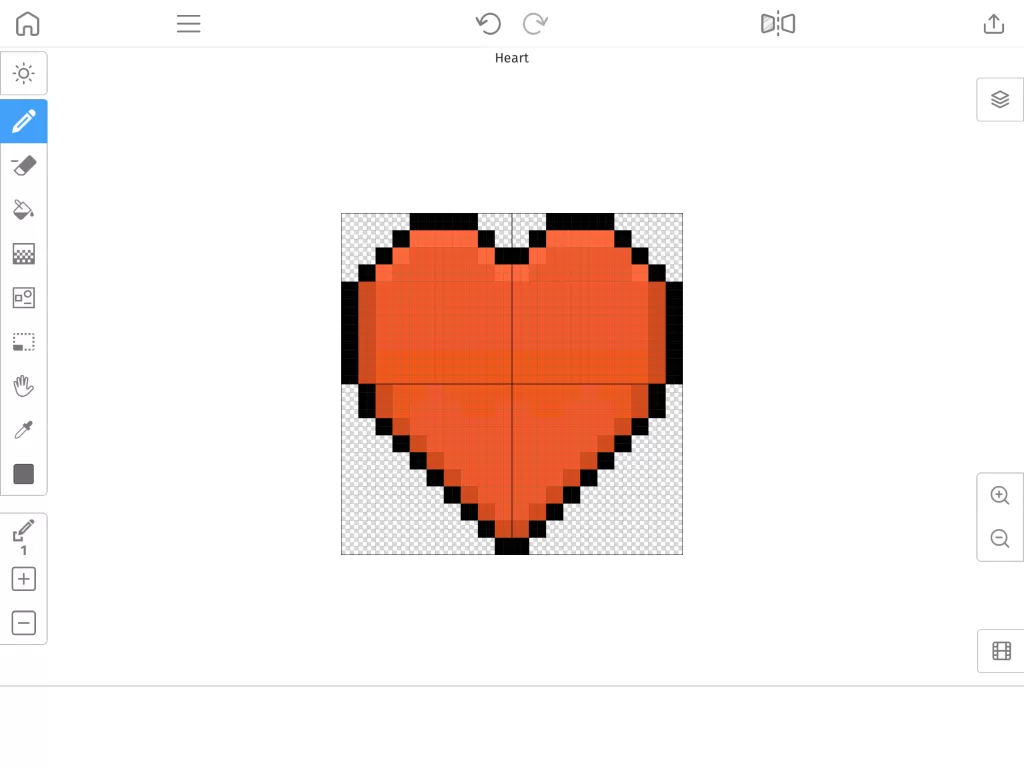
In addition to 3D camera movement, Mega Voxels supports 2D animation through its Pixel Editor. You can create frame-by-frame animations for sprites, icons, and UI elements, making it ideal for retro-style games or mobile apps. The editor includes onion skinning, frame management, and playback controls to help you animate with precision and ease.
Each frame is built on a grid, allowing for pixel-perfect control. You can duplicate frames, make incremental changes, and preview your animation in real time. Whether you’re animating a character walk cycle, a blinking icon, or a looping background element, the Pixel Editor gives you the tools to bring your 2D assets to life.
Export animations as sprite sheets or PNG frames for use in games or apps.
Export for External Animation
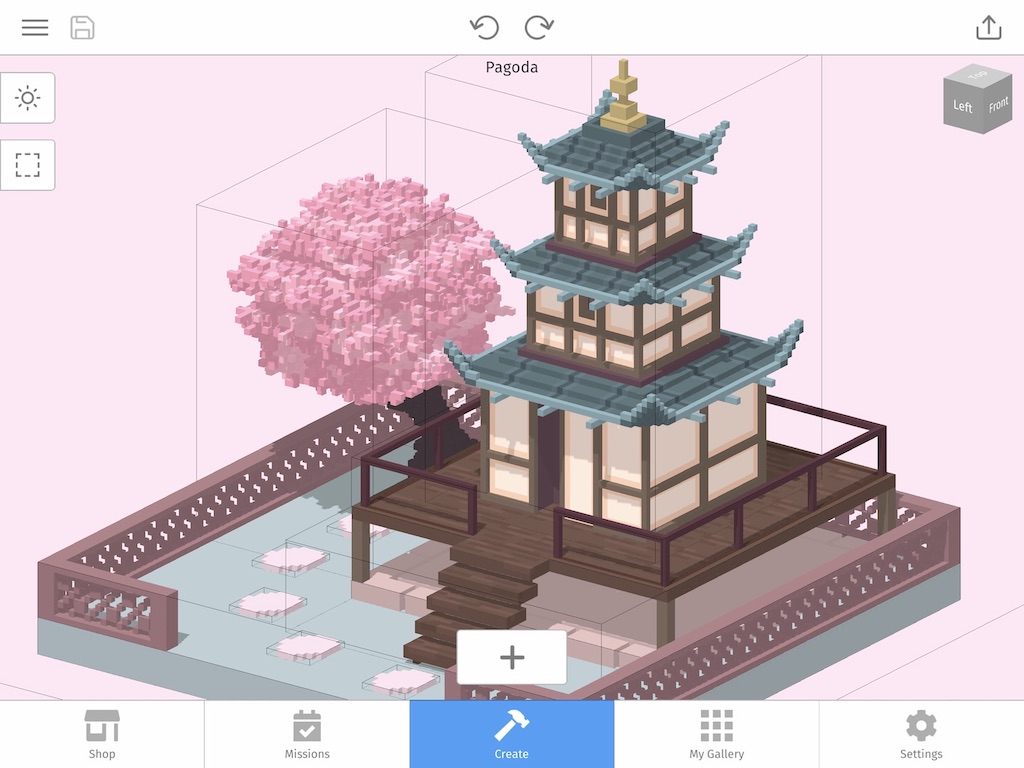
Mega Voxels also supports exporting assets for use in professional animation software like Blender and Unity. You can save your voxel models in formats like VOX and OBJ, which are widely compatible and retain structure, color, and geometry. This allows you to take your creations beyond the app and integrate them into larger animation pipelines.
In Blender, you can rig and animate your models with advanced tools like armatures, keyframes, and physics simulations. In Unity, you can use your voxel assets in interactive scenes, applying scripts and behaviors to create real-time animations. Whether you’re building a cinematic cutscene or a playable character, Mega Voxels gives you a solid foundation to build on.
This export capability makes Mega Voxels a valuable tool for indie developers, animators, and students. You can prototype inside the app, then refine and animate in external tools without losing quality or structure.

Real-Time Preview and Sharing
Animation in Mega Voxels is designed to be visual and immediate. You can preview your camera movements or pixel animations in real time, making it easy to spot issues and make adjustments. The playback is smooth and responsive, helping you fine-tune timing, transitions, and visual flow.
Once you’re happy with your animation, you can record it directly in the app or export it for sharing. Whether you’re creating a demo reel, a social media post, or a tutorial, the animation tools help you present your work with clarity and style. You can also share your animated assets with collaborators or use them in larger projects.
This makes it easy to experiment, present your ideas, and collaborate with other creators.
How to Use the Building Tools (3 Simple Steps)
Animation Features
| Pre-built camera animations for voxel models | Frame-by-frame pixel animation with onion skinning |
| Export to Blender, Unity, and other tools | Real-time preview and playback |
| VOX and OBJ export for 3D animation | PNG sprite sheet export for 2D games |
| Record and share animated clips | Great for game devs, animators, and content creators |