
Gaming
The Gaming feature in Mega Voxels brings your voxel creations to life through interactive gameplay. Whether you’re playing built-in mini games or designing assets for your own game projects, Mega Voxels offers a dynamic platform that blends creativity with action. It’s not just a modeling tool—it’s a playground for game developers, artists, and anyone who loves building and playing in voxel worlds. With support for both 2D and 3D asset creation, plus a suite of playable experiences, Mega Voxels makes game design fun, accessible, and visually stunning.
Built-In Mini Games
Mega Voxels includes a collection of fast-paced mini games that showcase the power of voxel-based gameplay. These games are fully playable inside the app and feature vibrant environments, responsive controls, and addictive mechanics. Each game is designed to be quick to learn and fun to master, offering a great way to explore voxel art in motion.
In Demolition, players smash through voxel structures using powerful tools, watching buildings crumble in satisfying detail. Dodge challenges you to avoid incoming obstacles in a colorful arena, testing your reflexes and timing. Endless Road is a high-speed runner where you race down a voxel highway, dodging hazards and collecting points. Stack tasks you with building a tower by timing your drops perfectly, while Jumper lets you leap across platforms in a vertical climb. Finally, Stair Game combines puzzle-solving and platforming as you ascend voxel staircases with increasing difficulty.

Asset Creation for Game Dev
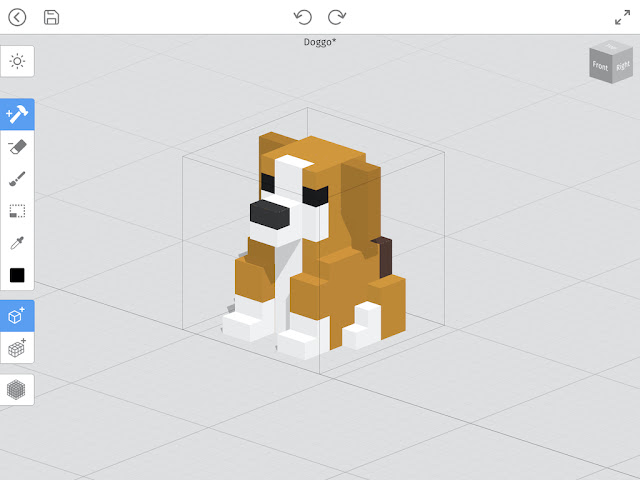
Beyond gameplay, Mega Voxels is a powerful tool for creating assets for your own games. Whether you’re working on a 2D pixel-based platformer or a 3D adventure game, the editor gives you everything you need to design characters, props, environments, and UI elements. You can switch between voxel and pixel modes to create assets that match your game’s style and format.
In voxel mode, you can sculpt 3D models like buildings, vehicles, and creatures using intuitive tools. These models can be exported in formats like VOX and OBJ, making them compatible with popular game engines such as Unity. In pixel mode, you can draw 2D sprites with precision, then export them as PNGs for use in mobile games, retro-style projects, or web-based experiences.
The ability to create both 2D and 3D assets in one app makes Mega Voxels a versatile choice for indie developers, students, and hobbyists.
Real-Time Testing and Preview
Mega Voxels lets you test your creations in real time, giving you instant feedback on how your models and environments look and feel. You can walk through your scenes, rotate around your characters, and preview animations or interactions. This helps you catch design issues early and refine your assets before exporting them to a game engine.
The built-in games also serve as a testing ground for your own ideas. You can modify existing levels, swap out characters, or redesign environments to see how your changes affect gameplay. This makes Mega Voxels a great tool for learning game design fundamentals and experimenting with mechanics.
Whether you’re building a playable prototype or just exploring how voxel art translates into interactive experiences, the real-time preview tools help you stay creative and confident throughout the process.

Export and Integration
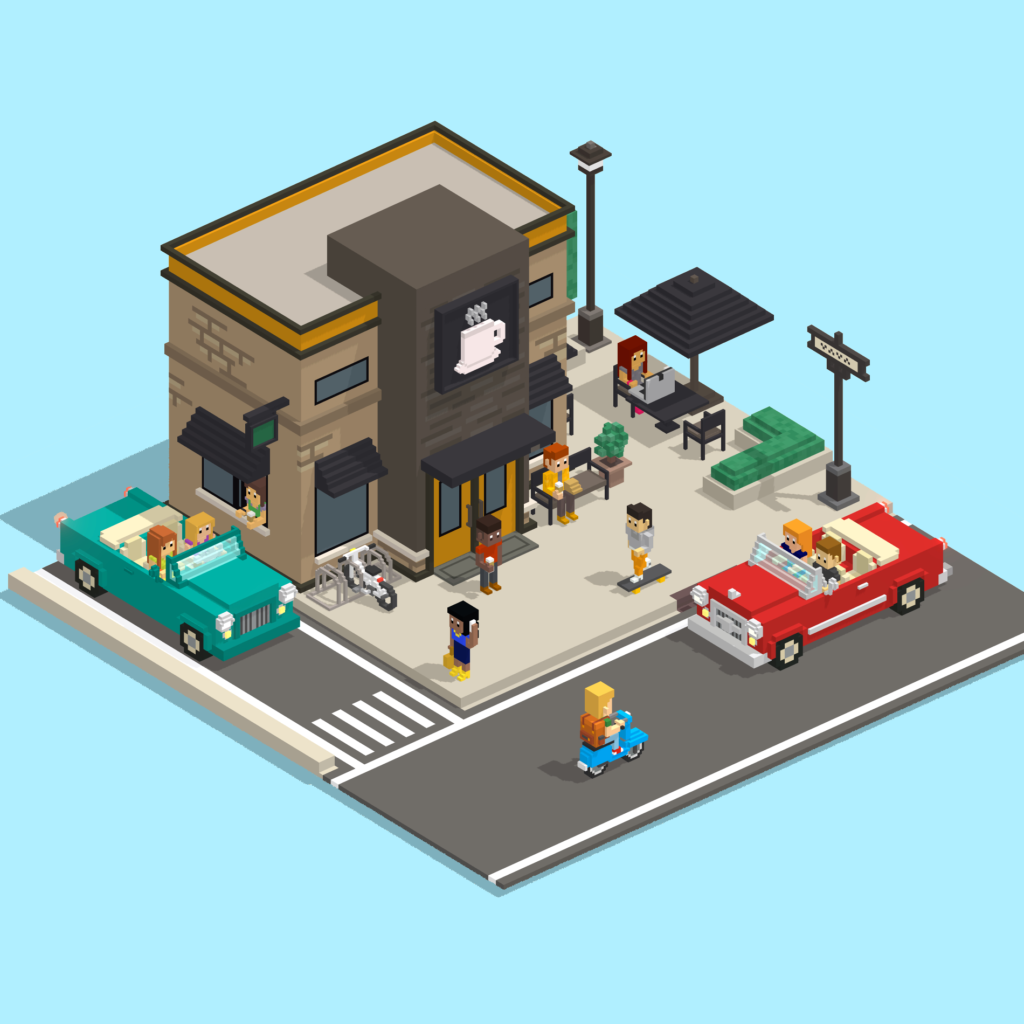
Once your assets are ready, Mega Voxels makes it easy to export them for use in other platforms. You can save voxel models as VOX or OBJ files, and pixel art as PNGs. These formats are widely supported, allowing you to integrate your creations into game engines, animation software, or design tools.
Exported assets retain their structure, colors, and layers, making them easy to edit or animate further. You can bundle them with your game project, share them with collaborators, or publish them online. This flexibility supports both solo creators and teams working on larger productions.
Whether you’re building a full game or contributing assets to a shared project, Mega Voxels ensures your work is ready for the next step in development.
How to Use the Building Tools (3 Simple Steps)
Gaming Features
| Mini games: Demolition, Dodge, Endless, Stack, Jumper, Stair | Create 3D voxel models for game environments |
| Design 2D pixel art sprites for UI and gameplay | Search and filter by category, style, or theme |
| One-click import into the editor | Real-time preview and testing inside the editor |
| Export assets in VOX, OBJ, and PNG formats | Compatible with Unity and more |
| Ideal for prototyping and indie game development | One app for both 2D and 3D game asset creation |